Unity Tools
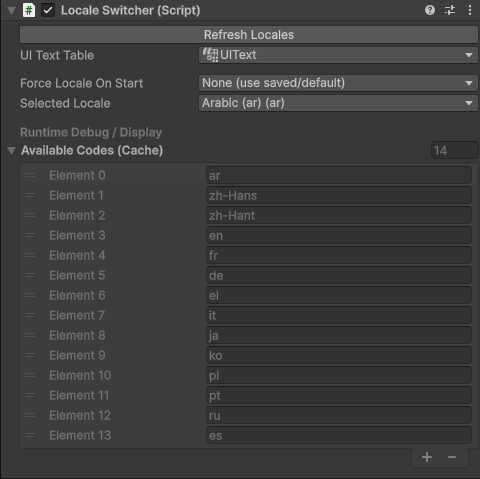
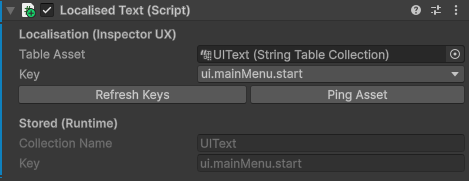
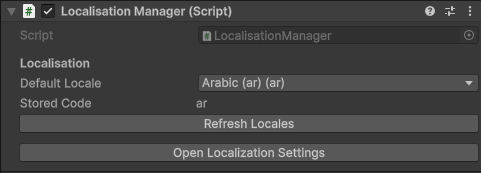
A reusable localisation system for Unity combining editor tooling and runtime management. Supports
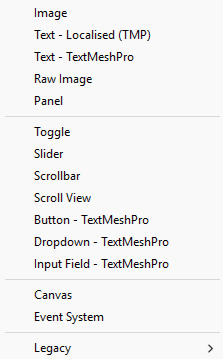
Automated UI text binding
Locale-aware font switching
CSV validation
Live locale switching via custom inspectors.
Localisation Pipleine
Designed to reduce setup friction and support designers and developers working across multiple languages.
Debug Monitor & Performance Tool
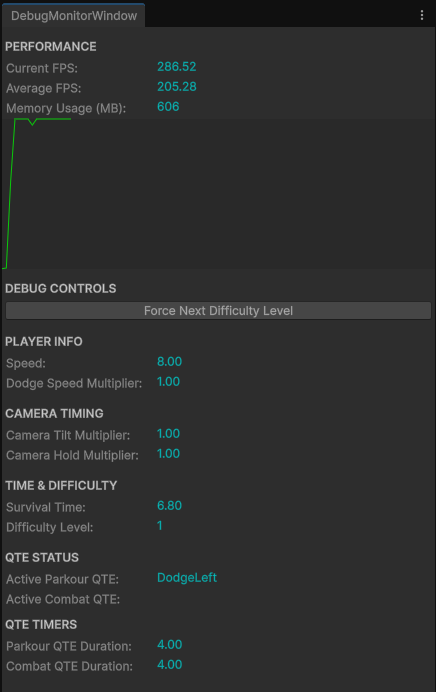
This tool provides real-time visibility into key game systems and performance metrics, including FPS tracking & memory usage. It also exposes contextual debug controls and system state information to allow designers and developers to validate gameplay behaviour without modifying runtime code.
Real-time FPS and memory monitoring with trend visualisation via a graph
Editor window UI for live system inspection during Play Mode
Modular debug controls for testing difficulty, timing, and QTE systems
Clear separation between performance data capture and UI rendering
Built to be extended with additional debug panels as development evolves

Play From Setup Scene
A toolbar utility that allows developers to start Play Mode from a fixed setup scene while automatically restoring their previous scene layout afterwards.
Designed to reduce iteration friction and maintain consistent startup conditions during development.